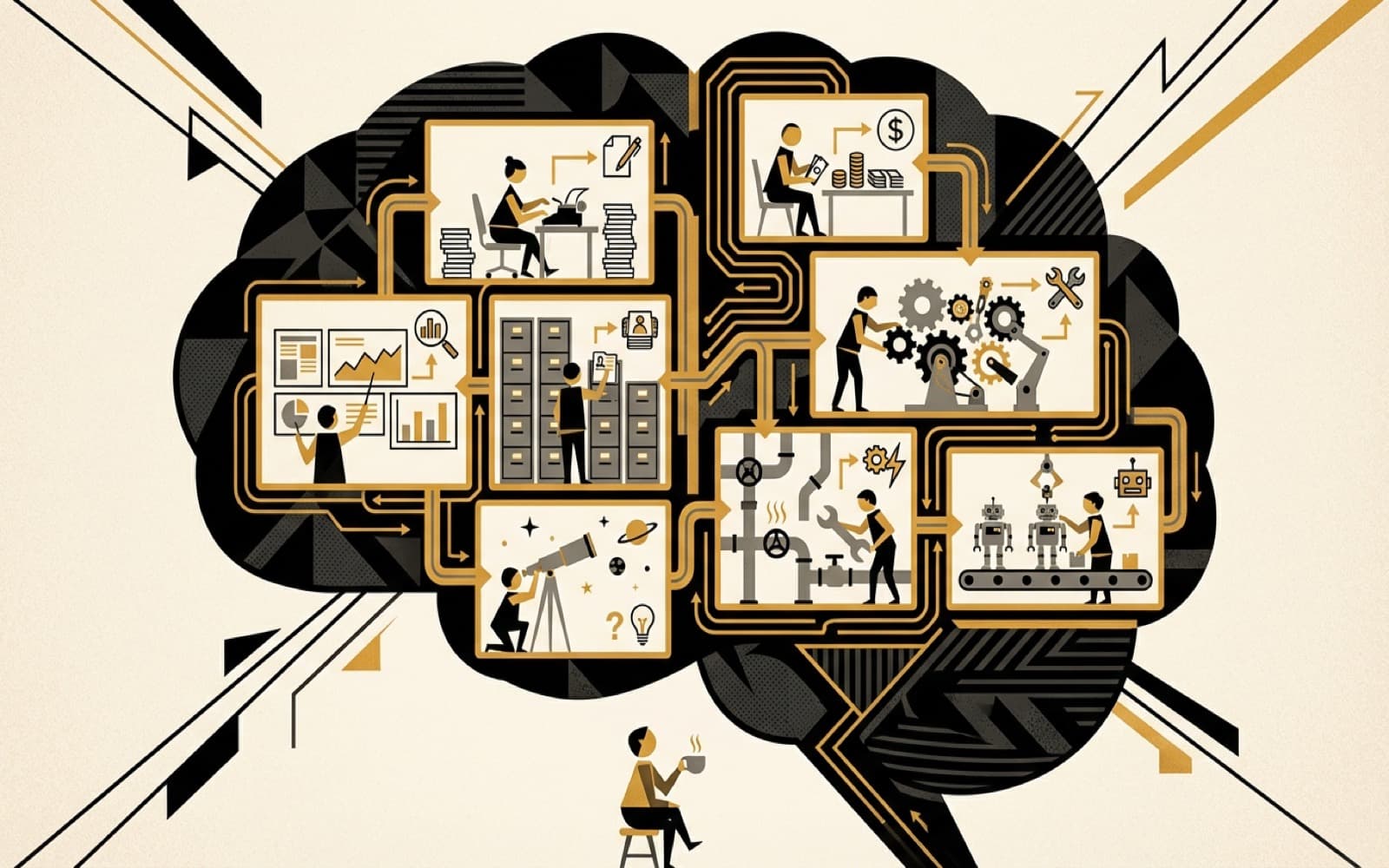

How "vibe coding" turned into the fastest way I've ever learned, tested, and operated as a solo founder.
I need to say something upfront: I didn't plan to build this.
Six months ago, I was a solo founder drowning in the usual stuff. Content creation, investor prep, CRM updates, LinkedIn engagement, product analytics reviews. The kind of work that's important but eats your building time alive.
I started using Claude Code, Anthropic's AI coding tool that runs right in your terminal, for what everyone uses it for: writing code faster. But somewhere along the way, it turned into something else entirely. I wasn't just coding anymore. I was thinking with it.
Vibe Coding, Briefly
Andrej Karpathy coined "vibe coding" to describe writing code by vibes: telling the AI what you want, accepting the result, and iterating when it breaks.
"I just see things, say things, run things, and copy-paste things."
Most people see it as a shortcut to shipping code without understanding it. I see it differently. After 7 years working in the AI space, I thought I knew how I worked best. Turns out I had no idea until I started building a system that forced me to articulate every decision.
What this post will give you
If you're skimming, here's the promise:
- The pattern I ended up with (orchestrator → memory → workers).
- Why "everything in one chat" breaks once work gets real.
- What I'd build first if I was starting from zero.
See the full visual breakdown:
What I Actually Built
I built what people call a "second brain." A system that captures everything I know about my business, organizes it so it's searchable, and feeds it back into every new piece of work. Instead of starting from a blank page every time, the system remembers what I've already thought, written, and decided.
It's not a notes app. It's an operational system where AI agents handle parts of business operations so I can focus on the product. Not a chatbot. Not a wrapper. An actual system with specialized agents, a Chrome extension, and crash recovery.
The design has three layers
- Orchestrator: connects to email, calendar, notes, and docs. It decides what needs to happen and writes tasks into a shared workspace.
- Shared memory: tasks, raw data, and accumulated knowledge live here. This is what survives when sessions end or things break.
- Worker agents: pick up tasks, do the work (writing, analysis, research), and feed results back. They can run in parallel when the workload is large.
The key insight is simple. One layer plans, another layer executes. That solves the thing that quietly kills most AI workflows at scale: everything living in a single conversation that eventually forgets.
Memory that compounds
Everything I produce (posts, research reports, meeting notes, content drafts) gets saved into the shared knowledge base. Think of it like a filing cabinet that the AI can search through instantly, organized by domain: brand voice, marketing strategy, customer profiles, product decisions, investor notes, research.
When I ask the system to write something new, it doesn't start from scratch. It searches through everything I've already written, finds what's relevant, and uses it as context. After 3 months, the knowledge base has around 500 documents. The output quality improved meaningfully once it hit critical mass, because the system stopped repeating ideas and started building on them.
Crash recovery
Here's a problem nobody talks about with AI coding tools. They crash. Conversations get too long. Sessions time out. You lose your place.
So I built the system to remember where it left off. Every long-running operation saves its progress as it goes. If I kick off a research task that has five parts and the session dies after two, the system knows exactly where to pick up when I restart. Subtasks track their own status. Progress is saved after each major step.
This sounds like a small thing. It's not. It's the difference between a toy and a tool.
The Agents (and why this compounds)
Each agent is a document with a specific personality, tools, and workflow. Not custom software. Not expensive APIs. Just well-structured instructions that tell the AI how to behave for a specific job.
Here's the set I ended up with (grouped by what they actually do):
Growth + learning
- Growth Agent: Writes LinkedIn content matching my actual voice (reads brand guidelines first, every time)
- Research Agent: Deep dives on topics and stores findings so they're searchable later
Revenue + relationships
- Sales Agent: Tracks consultant partnerships and deal flow
- CRM Agent: Manages my investor pipeline and keeps relationships organized
Product + operations
- Product Agent: Manages design partner coordination and roadmap priorities
- Ops Agent: Handles the unsexy stuff. Admin, metrics, internal processes
- CEO Agent: Pulls analytics data for weekly reviews so I can see what's working
Meta
- Meta Agent: Creates new agents. Yes, I have an agent that builds agents.
None of these took long to build. I'd describe what I needed, Claude Code would scaffold it, I'd run it, see what broke, and fix it. Repeat. Each agent went from idea to working in a single session.
The compound effect is what matters: eight sessions of building means eight systems running in parallel. And the outputs keep surprising me.
Take image generation: I described the concept for this blog post's cover art to the system, and it generated four different visual interpretations, each exploring a different metaphor for the same idea. Total cost: $0.19 for all four.
Here's what the process actually looks like:
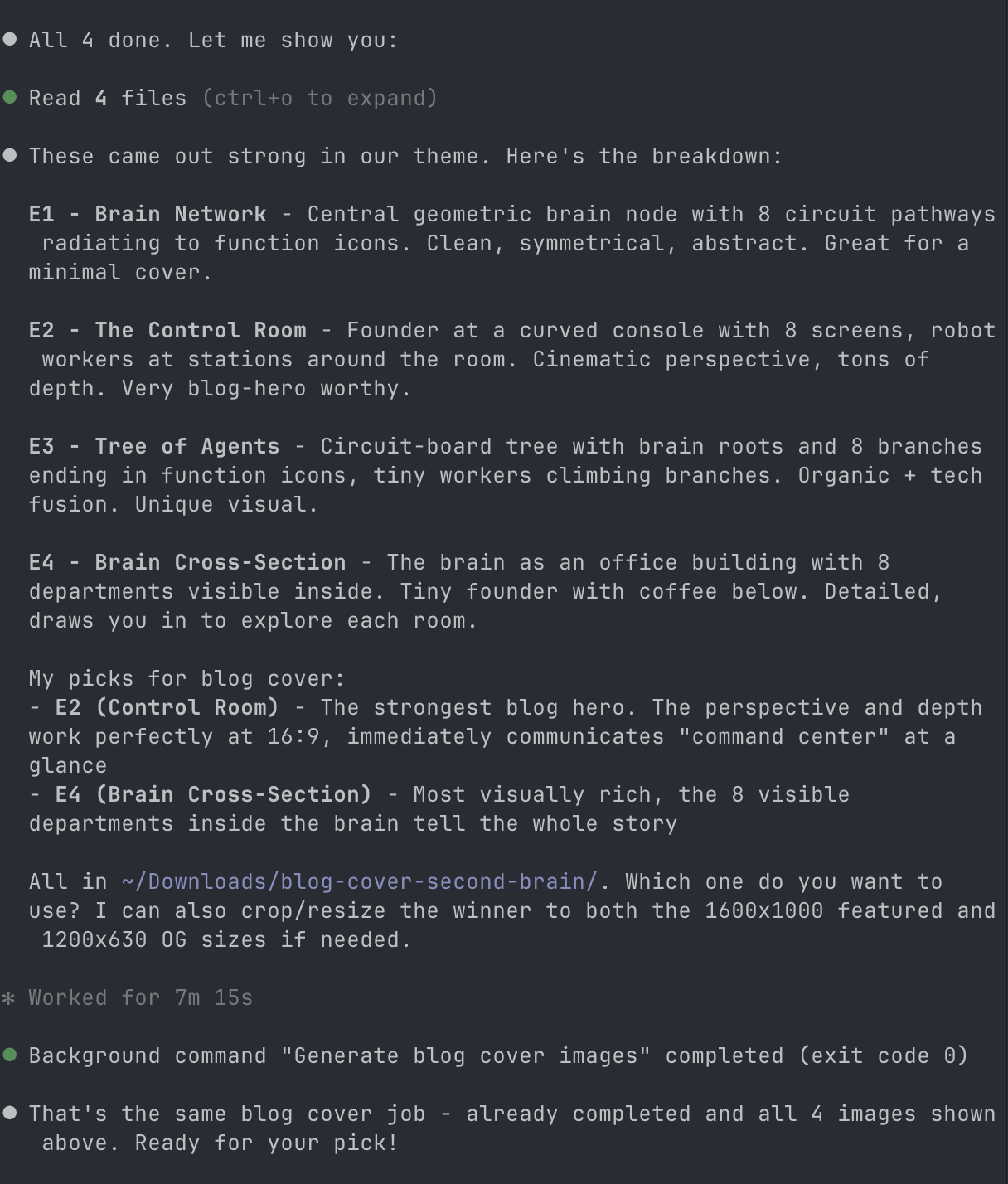
And here are the four concepts it produced:
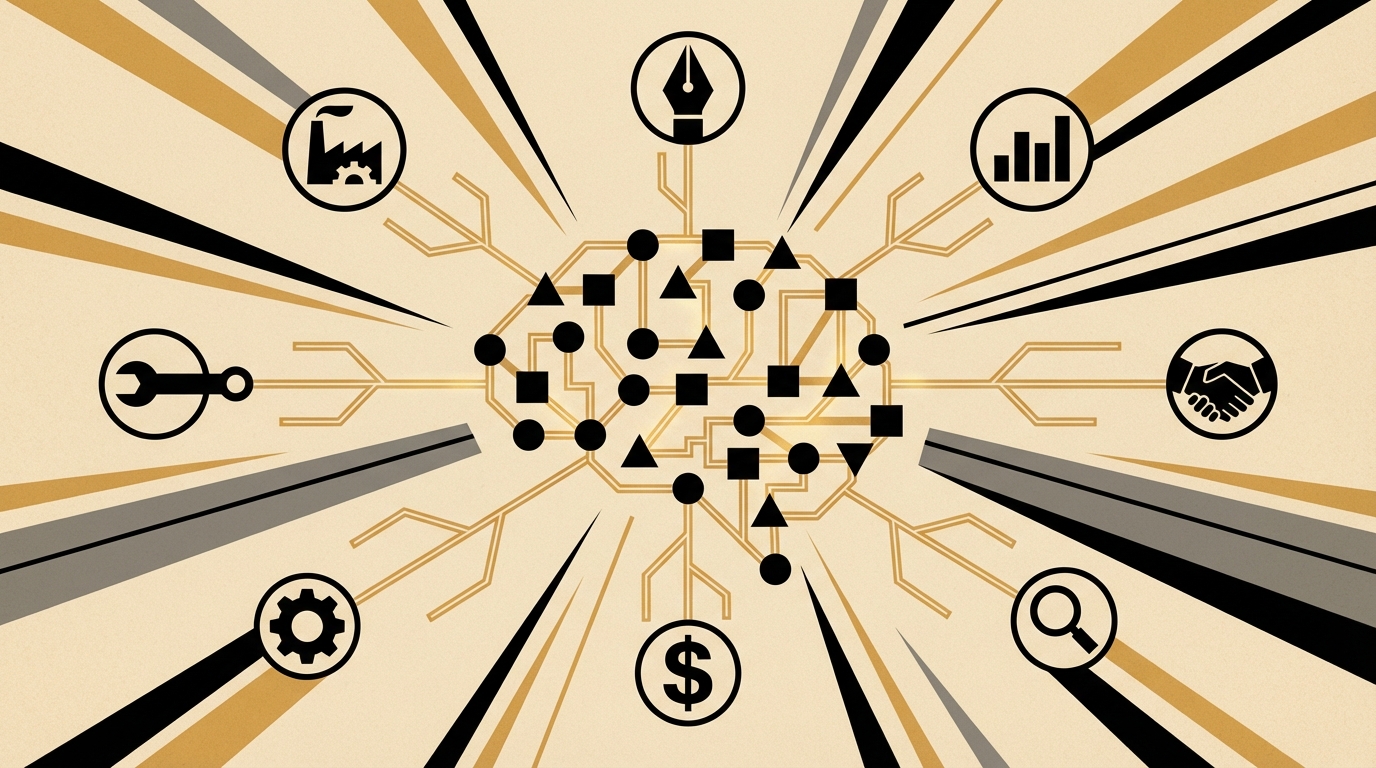
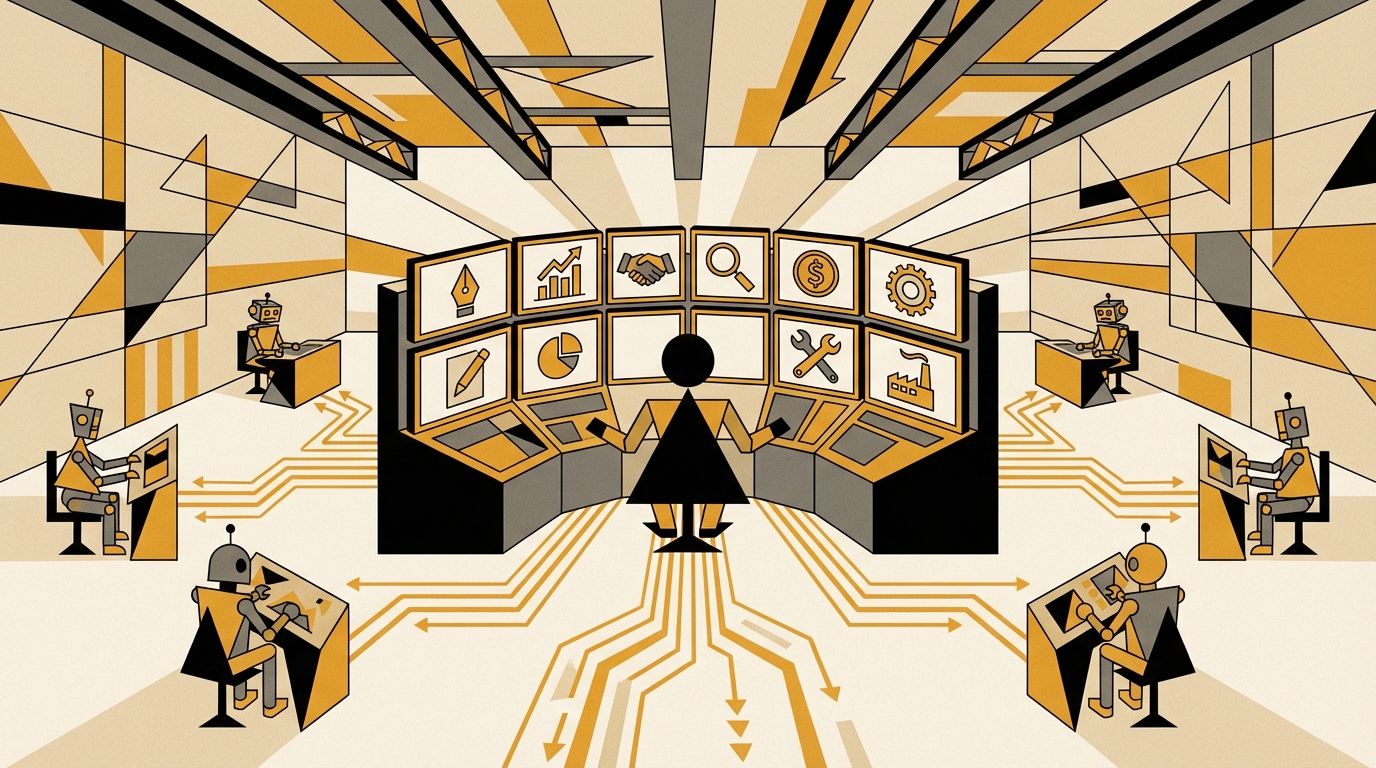
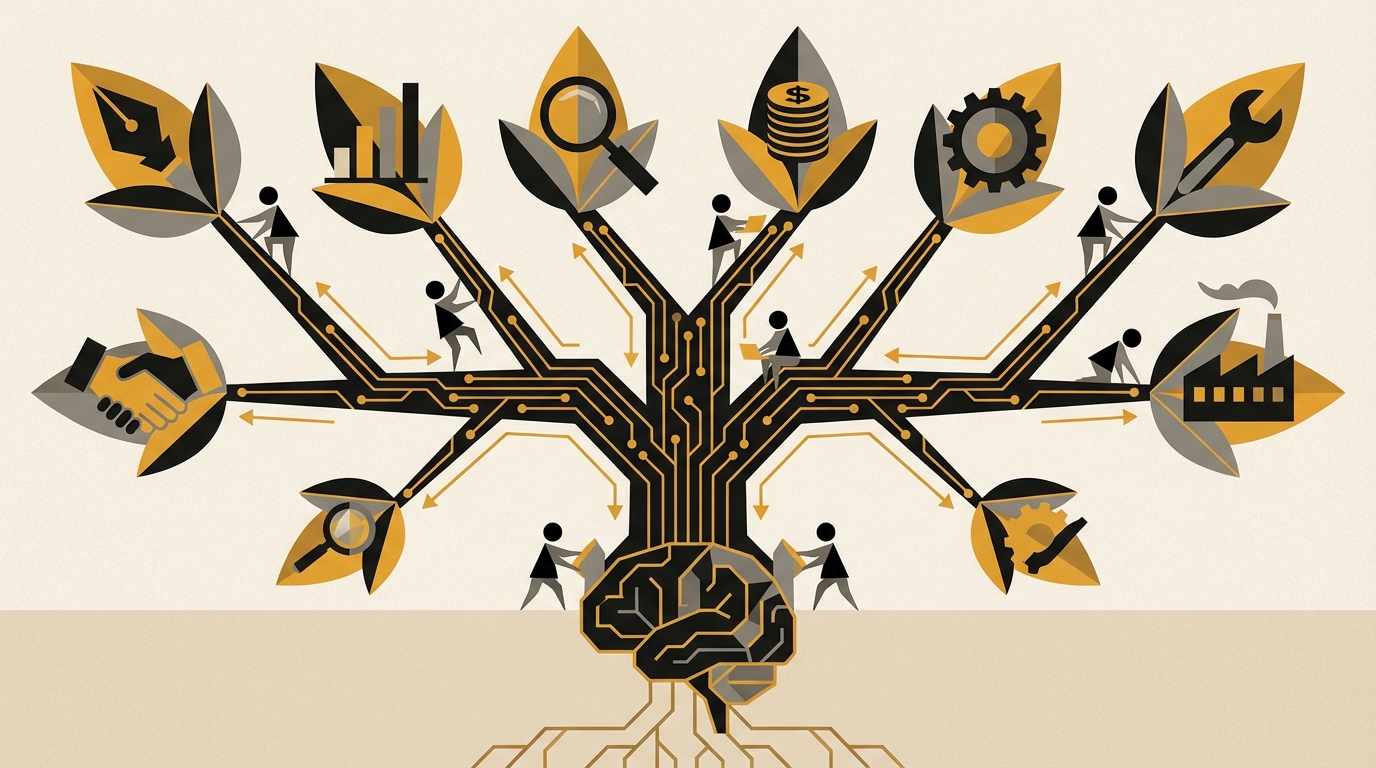
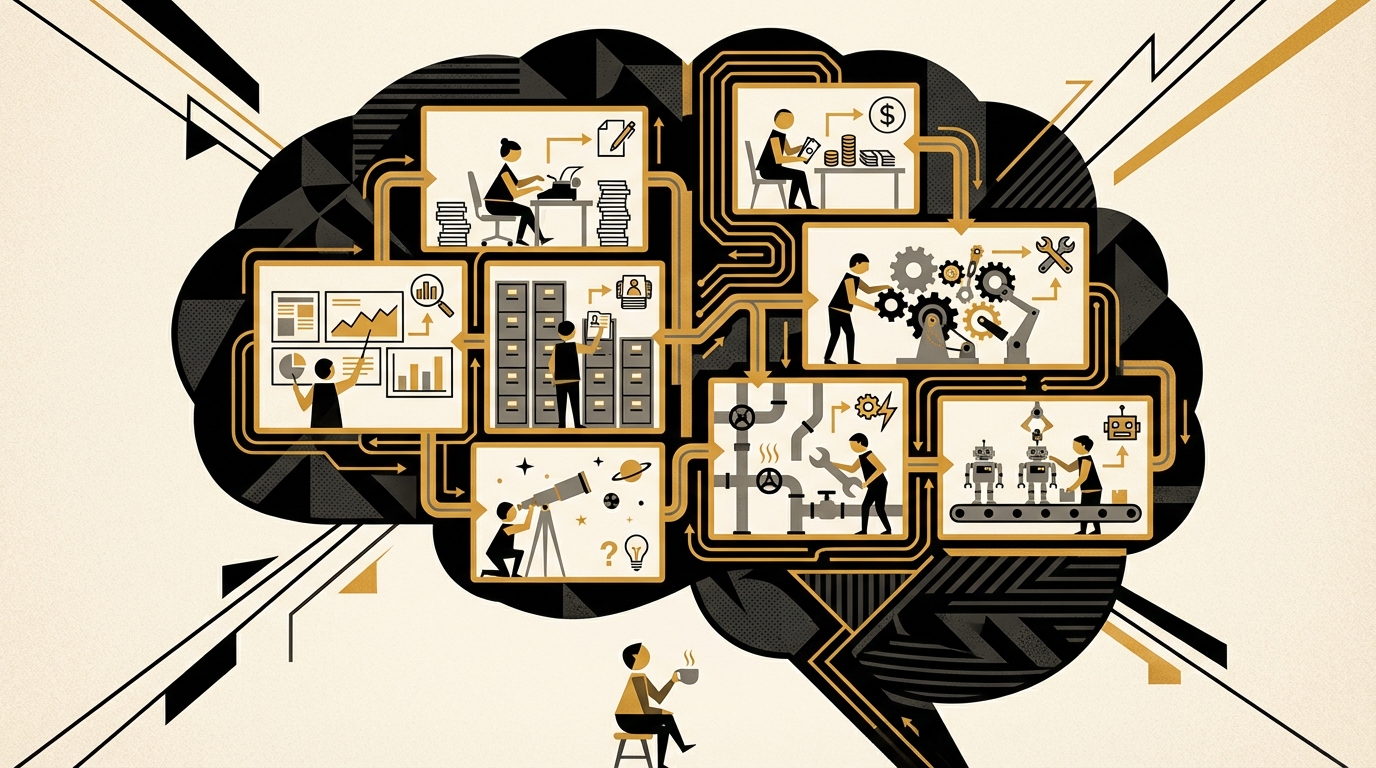
Four concepts, four metaphors, under twenty cents. The last one became the cover of this post.
The Part That Surprised Me: Learning By Building
This is the part I didn't expect. Before I built this system, my understanding of my own business was scattered. I knew things, but I didn't have a structure for them. Building forced me to answer questions I'd been avoiding.
"What does my voice actually sound like?"
I had to write a brand guidelines document. 363 lines documenting my actual writing patterns, the words I never use, the phrases I repeat without thinking. I analyzed my own LinkedIn messages to find the patterns.
Turns out I say "here's the thing" a lot. I use parenthetical asides (like this) more than I realized. And I sign off with "Best, Amadeu" or "Talk soon." Never "Regards."
I also defined an explicit list of words the AI must never use in my voice. Words like "delve," "unlock," "leverage," "game-changing," "cutting-edge." The kind of filler that makes AI writing sound like AI writing. Every draft now gets checked against that list automatically.
The difference is night and day:
- Before: "Unlock the power of AI transformation in your business journey!"
- After: "I've been automating processes for 7 years. The AI model used matters less than you think."
That exercise alone was worth the entire project. Most founders can't articulate their voice. I can now, because I had to teach it to an agent.
The same thing happened with content strategy and LinkedIn engagement. I had to define actual content pillars with percentages, codify hook formulas, and build a full engagement pipeline that monitors thought leaders, scores posts for relevance, and queues up AI-drafted comments for me to review. None of that existed as a conscious strategy before I was forced to encode it into a system.
The Chrome Extension: Where It Gets Real
I built a Chrome extension that ties everything together right in my browser:
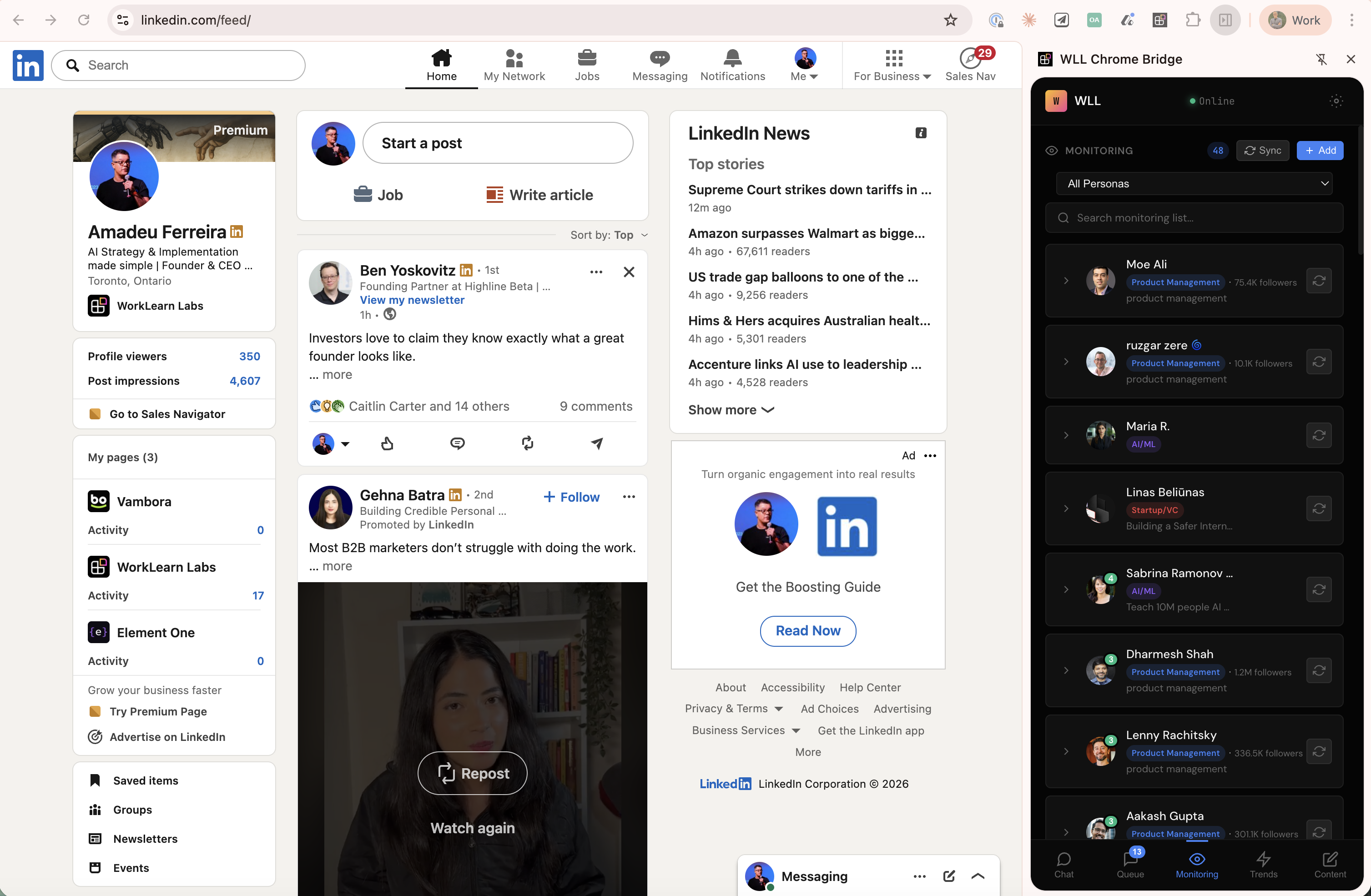
- Sidebar with thought leader monitoring: See posts from people I follow, sorted by relevance and tagged by persona (Product Management, AI/ML, Startup/VC)
- Comment queue: AI-drafted comments I can approve, edit, or skip
- Content generation: An agent that pulls my brand guidelines, searches my past work, and drafts content right from the browser without me switching tools
The extension works in two modes. In one mode, it captures data: grabbing LinkedIn posts, profile information, and engagement metrics as I browse. In the other, it executes tasks: picking up queued comments, likes, and connection requests and helping me work through them efficiently. Everything gets logged, so I have a complete record of every interaction.
The content agent is thorough. It checks my brand voice, searches for related things I've written before, and pulls in relevant research before generating anything. It reads my brand guidelines first every single time. Non-negotiable.
Building this took maybe 3 focused sessions with Claude Code. Each session I described what I wanted, it built the scaffolding, I tested it live on LinkedIn, caught the edge cases, and fixed them.
The Numbers
I track everything, so I can be specific:
- Time saved per week: ~8 hours (content research, engagement, data processing)
- Content cadence: 3-4 posts/week, consistently
- Time from idea to published post: Under 25 minutes
- Comment queue: 5-10 AI-drafted comments per day, ~70% approval rate
- Agent sessions per week: 15-20 across all agents
The monthly cost is almost embarrassing. The LinkedIn monitoring service runs about $12-15/month. The knowledge base is free, it runs locally. The integrations connect to services I already pay for. The real cost is the 48 hours I spent building the system over the holidays. But those two days replaced what would have been a part-time hire.
Systems Over Tools
The tools will change. The systems won't. The specific tools I used are implementation details.
What matters is the pattern:
- Separate planning from execution. One layer decides what to do, another does it.
- Knowledge that compounds. Every output enriches future inputs.
- AI proposes, human approves. Nothing goes out without my review.
- Systems that survive interruptions. Crashes and timeouts don't lose progress.
- Specialized agents over one generalist. Narrow scope, deep capability.
This pattern will work whether you use Claude, GPT, Gemini, or whatever comes next year. The value is in the structure, not the model.
And honestly, the biggest thing I got out of this wasn't the system itself. It was understanding. I learned more about how browser extensions work by building one than by reading 10 tutorials. I learned more about my own LinkedIn engagement by building a system that measures it than by 3 years of posting. Each thing I built expanded what I understood was possible. That's what vibe coding actually is when you do it long enough. Not a shortcut. A learning accelerator.
Should You Build This?
If you're a solo founder or indie hacker who spends significant time on operations that follow patterns (content, engagement, research, reporting), then yes. The ROI is clear. If you're part of a larger team with specialized roles, you probably don't need a second brain. You need better processes.
Start small. One agent. One workflow. See what it teaches you. Then build the next one.
I'm building WorkLearn Labs, the operating system for AI Architects. If you're curious about the intersection of AI tooling and consulting, I write about it on LinkedIn. No hard sell, just patterns I'm seeing.